
iPhone Storage Full? 5 Best Ways to Optimize Your Music Library | iPlayer
iPhone Music Management Guide
Summary (TL;DR)
Is your iPhone storage always full because of a massive music library? This guide breaks down 5 efficient iPhone music management solutions: from Apple's official iCloud Sync to minimalist local optimization and professional tools like iPlayer. Whether you're a streaming fan or an audiophile, you'll find your perfect "space-saving" strategy here.
Introduction: Why Thousands of Songs Eat Up Your Space
Is your iPhone constantly alerting you about low storage? You've deleted apps, cleared photos, but it's full again in no time. Many people don't realize that thousands of local songs hidden in the Music app are the real "storage black holes."
Quick Fact: A 4-minute high-quality song takes about 10 MB. That means 1,000 songs will consume nearly 10 GB of space.
The problem is often more complex, with duplicate versions and heavy lossless files. The good news is, this is much easier to solve than you think.
Comparison of 5 Management Solutions
| Solution | Key Advantage | Best For | Cost |
|---|---|---|---|
| Cloud Storage | Seamless sync, no local space | Multi-device Apple users | Apple Music Sub |
| Streaming | Massive catalog, on-demand | Heavy music listeners | Monthly fee |
| Local Opt. | Offline-ready, quality control | Audiophiles | Free |
| Third-party Tools | Automated, powerful features | Efficiency seekers | Paid/Free |
| Maintenance | Habit-building, always clean | Minimalists | Time investment |
Solution 1: Cloud Storage (Sync Library)
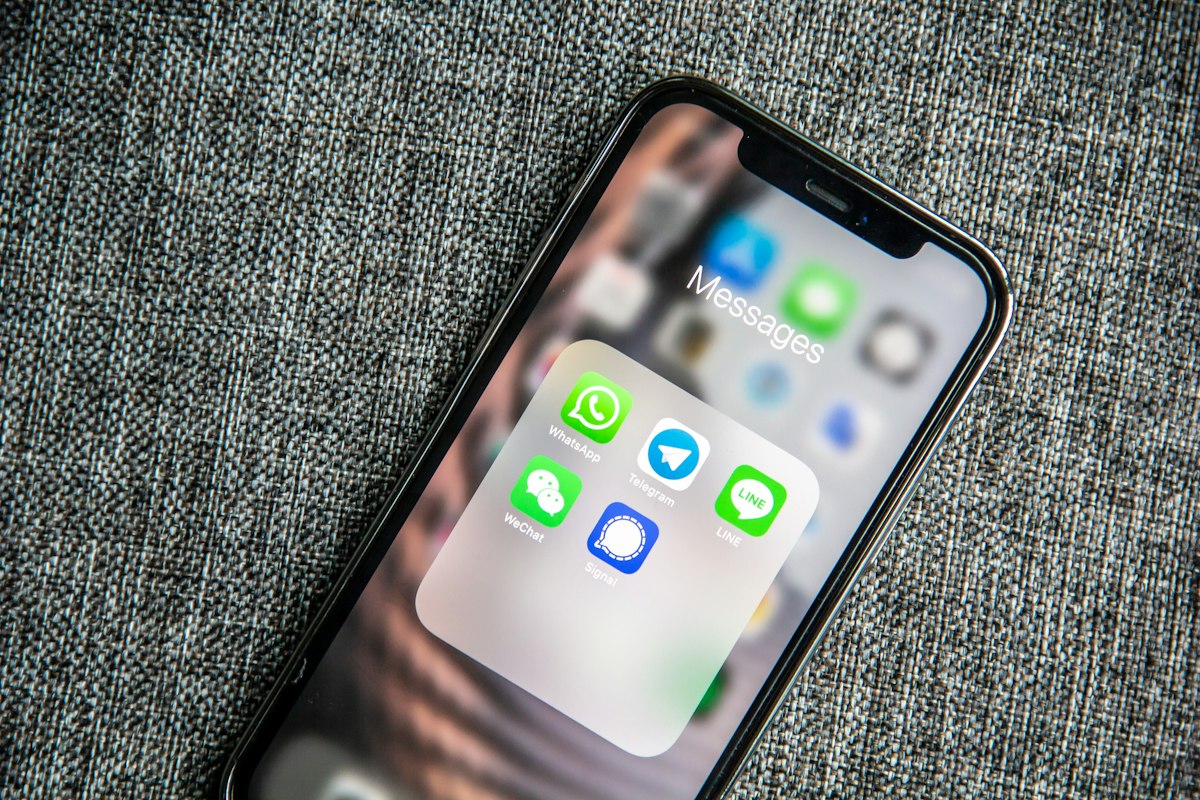
Cloud storage is the "set it and forget it" solution. iCloud Music Library (now "Sync Library") lets all your local songs "float" in the cloud.
Core Steps
- Enable Setting:
Settings>Music> Toggle onSync Library. - Auto Upload: Apple will automatically upload your local music (up to 100,000 songs) to the cloud.
- Free Up Space: Once uploaded, delete the local files from your phone.
💡 Pro Tip
When you play a song, it streams from the cloud. It only takes up space again if you explicitly tap the "Download" button.
Solution 2: Streaming — The Apple Music Way
If cloud storage is about "letting go," then streaming is about "on-demand allocation."
- On-Demand Downloads: Your library can be the entire 100 million songs on Apple Music, but your phone only keeps the few hundred you listen to most.
- Dynamic Management: Listen to new tracks anytime, and remove old downloads with one tap when you're done.
Solution 3: Local Optimization — Store More on Your Phone

If you're a hardcore player who feels "offline is safer," optimizing the files themselves is key.
- Bitrate Trade-off: You don't always need 320 kbps. Converting to 128-192 kbps AAC is often indistinguishable on phone speakers or standard headphones but cuts file size in half.
- Format Choice: Prefer AAC (M4A) over MP3 for better compression efficiency and compatibility.
Solution 4: Third-Party Tools — Professional Help

Manual management too tedious? Let professional tools handle it.
Recommended Tool: iPlayer Music
Designed specifically for iOS, iPlayer offers a much more powerful offline experience than the system Music app:
- All-Format Support: FLAC, WAV, DSD, ALAC — it plays them all.
- Easy Management: Transfer via WiFi or import from cloud drives without needing iTunes.
- Pure & Ad-free: Focus on the music without social clutter or annoying ads.
Solution 5: Regular Maintenance — Keep Your Library "Fresh"

"Management is not a one-time fix; it's a habit."
- Monthly Review: Delete downloaded songs you haven't played in the last 30 days.
- Clear Cache: Periodically clear redundant cache files in your streaming app settings.
- Standardize: Ensure all imported songs have complete covers and metadata for easy searching.
Summary Advice: Which to Choose?
- For Maximum Simplicity: Go with Solution 1 + 2 (Apple Music Subscription).
- For High Quality & Offline: Go with Solution 3 + 4 (iPlayer).
- For Zero Cost: Go with Solution 3 + 5.
Final Words
iPhone space management is not a technical puzzle, but a choice of habits. Pick the one that fits you best and stick with it — your iPhone storage will always stay healthy.
🚀 Ready for the Ultimate Local Music Experience?
If you're looking for a pure, ad-free, and powerful offline music manager for iOS, iPlayer is built just for you.
- 🎵 Hi-Res Audio Support
- ⚡️ Seamless WiFi Transfer
- 🚫 Zero Ads, Pure Sound
By the iPlayer Team
Published on: iPlayer Official Blog