
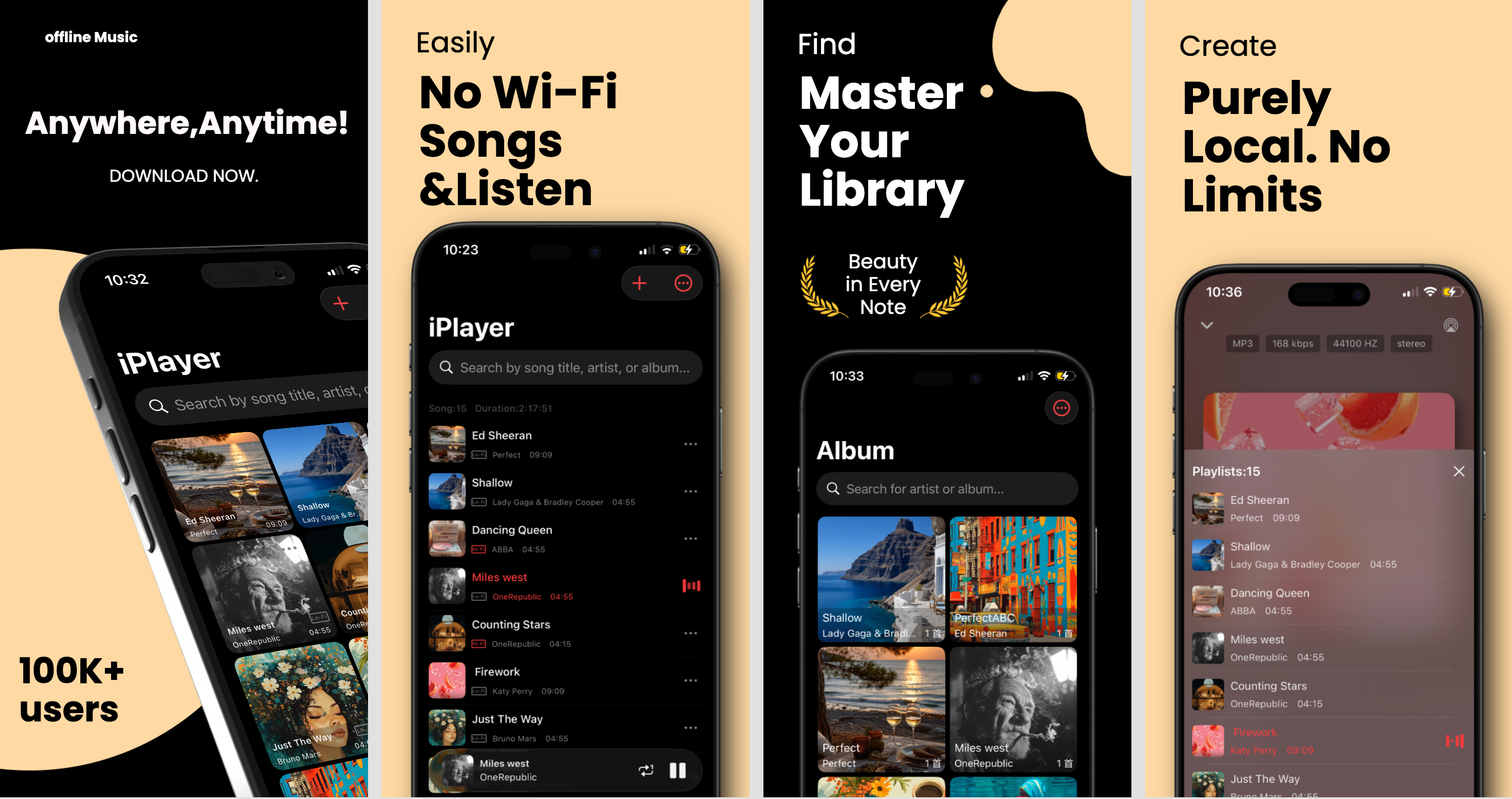
iPlayer 2.0.0 Release: New Playback History, Enhanced UI, and iOS 18 Optimization
iPlayer 2.0.0 Release: New Playback History, Enhanced UI, and iOS 18 Optimization
It's been just 14 days since our last update, and iPlayer 2.0.0 is already here! As a developer with years of experience, I believe in rapid iteration combined with rock-solid stability. This major update brings one of our most requested features—Playback History—alongside critical optimizations for the latest iOS 18.
2.0.0 Core Highlights
- Playback History: View your listening journey by 7 days, month, or year.
- UI Refinement: Auto-scrolling for long song titles and 4 new glass frosted icons.
- Robustness: Fixed legacy encoding issues for audio imports and resolved iOS 18 UI bugs.
- CarPlay Roadmap: Car-friendly features are officially in active development.
1. Playback History: Relive Every Note
Music is more than just sound; it's a bridge to memories. In version 2.0.0, we've introduced a comprehensive "History" feature to help you track your musical journey.
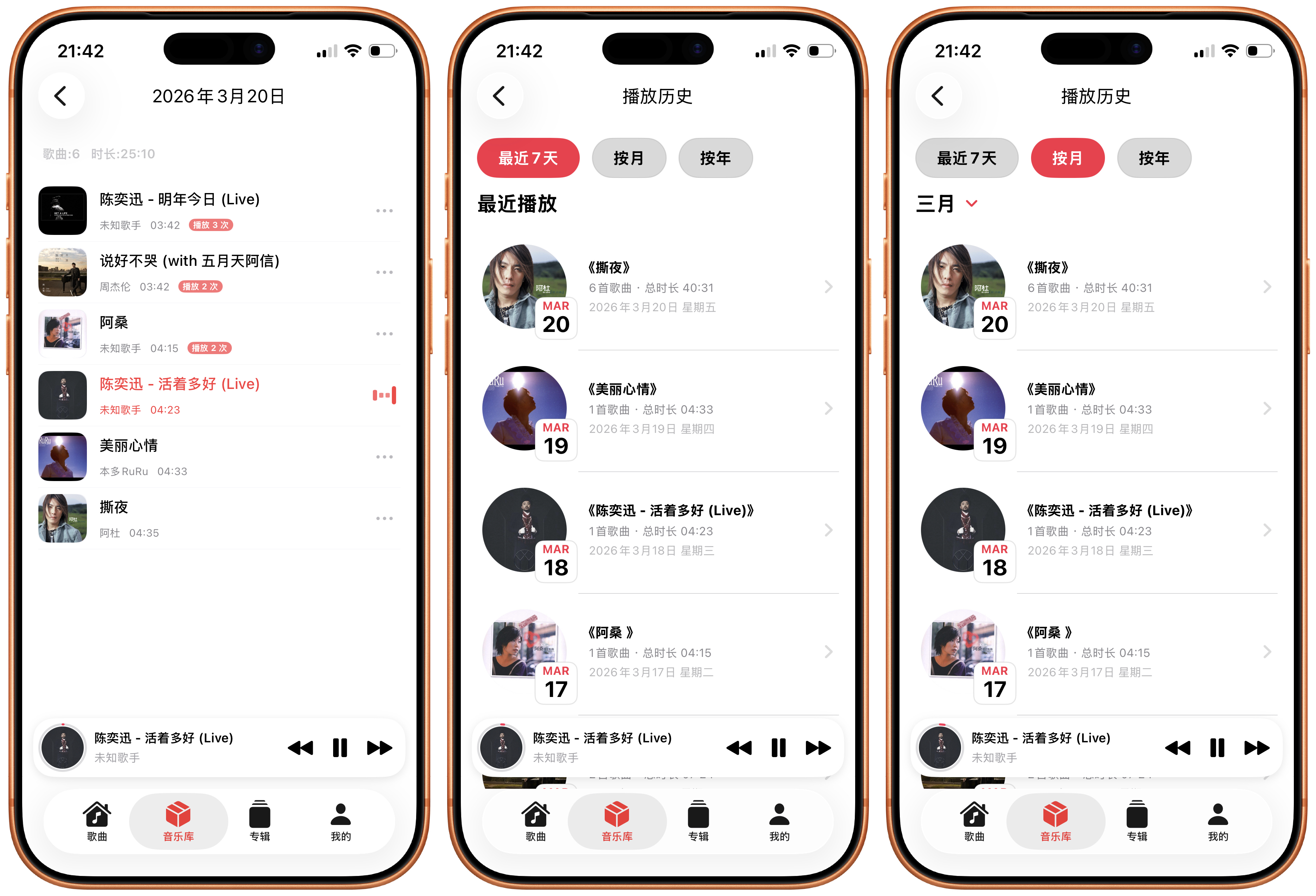
Key Features:
- Multi-view Stats: Toggle between the last 7 days, monthly, or yearly views.
- Detailed Insights: See daily playtime, frequency, and the total number of songs played.
- Instant Replay: Tap any song in your history to play it immediately.
How to Access? The default entry is under "Library" > "History." For power users, you can customize your bottom tab bar in "Preferences" to add a dedicated History tab.
2. Playback Evolution: Details That Matter
A great music player should anticipate your needs. For large displays and long track names, we've implemented two key improvements:
- Auto-Scrolling Titles: When a song title exceeds the display area, it will now smoothly scroll. This applies to the MiniBar and the full-screen playback view (both portrait and landscape).
- "Up Next" Optimization: We've refined the logic to ensure seamless transitions between manual skips and automatic track changes.
3. Technical Fixes: Solving the "Encoding Riddle"
In previous versions, some users reported garbled text when importing older audio files. After a deep dive, we identified this as a compatibility issue with legacy character encodings.
In 2.0.0, we've overhauled our encoding detection logic. Whether your files are recent or decades old, iPlayer now does a much better job of correctly displaying metadata like artist and album names.
Additionally, we've squashed several iOS 18-specific bugs, including grid layout shifts and privacy dialog glitches on older devices.
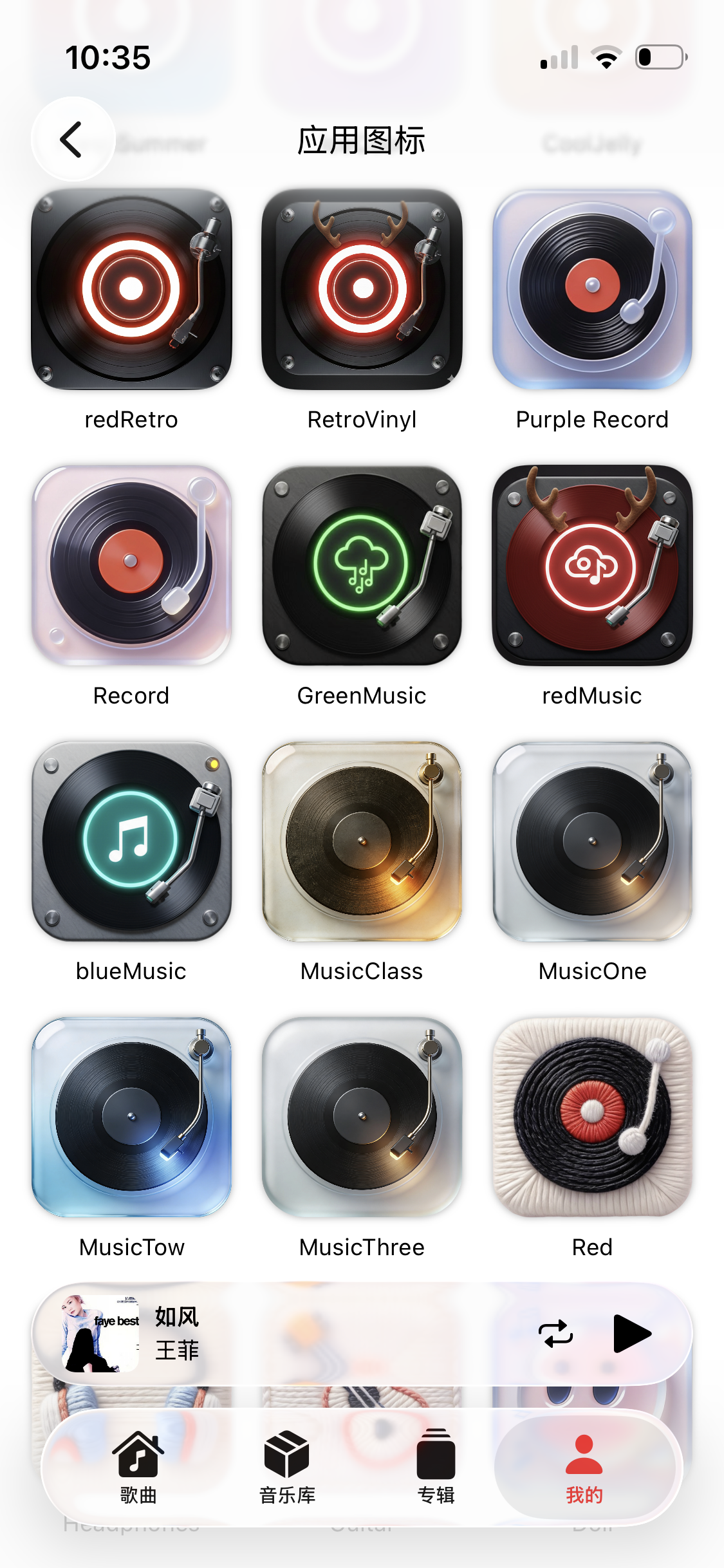
4. Fresh Look: 4 New Glass Frosted Icons
To celebrate this milestone, we've added 4 new premium App Icons with a modern glass frosted aesthetic. Pair them with your iOS home screen for a sophisticated, high-end look.
Future Roadmap: CarPlay & Peak Performance
Our priority is always providing a stable and delightful experience. Here's what's next on our agenda:
- CarPlay Experience: We're working hard on car-friendly UI and features.
- Performance Overhaul: Boosting responsiveness for users with massive local libraries.
- Gesture Refinement: Making every swipe and tap feel more natural.
Thank you for your continued support of iPlayer. If you encounter any issues, please use the "Contact Support" feature within the app. We're here to help!
🎧 Upgrade to iPlayer 2.0.0 Today
Experience smarter history tracking and a more refined visual experience for your local music.
Update on the App Store